
Complete Guide to WordPress Website Design For Small Businesses
Are you a small business owner wondering how to start a website?
Creating a professional website is the first step in the competitive market if you want to establish yourself.
If you are choosing WordPress, it’s an excellent choice for building a website, as it offers flexibility and can expand as your company does. WordPress has a vast community, which is what makes it so popular.
This guide offers a complete overview of housing all of the necessary elements into a successful WordPress website design for small businesses; it will help you learn to choose when and where to hire out design versus doing it yourself.
Key Elements of a Successful Small Business Website
A good website is more than aesthetic. It should offer straightforward and intuitive navigation.
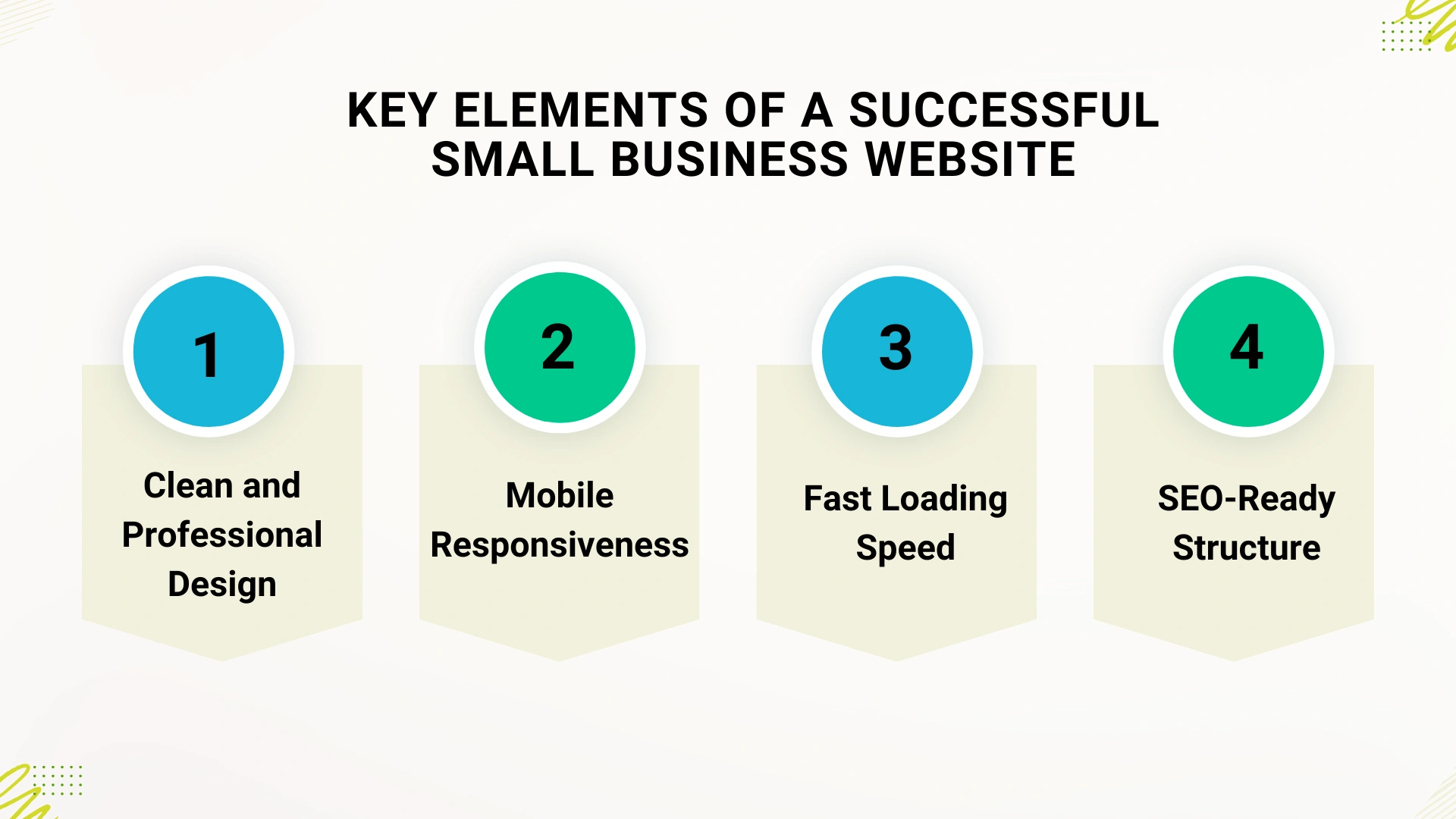
Creating a seamless experience that encourages conversions. Here are some essential points.
- Clean and Professional Design: A visually appealing site enhances your website’s credibility and builds trust. An easy-to-navigate website is always preferred over a cluttered or confusing one. Users appreciate a clear, logical structure that helps them quickly find what they need.
- Mobile Responsiveness: A majority of web traffic comes from mobile devices. Your website must be flawless, meaning it automatically adjusts its layout to look and function perfectly on any screen size, from a large desktop to a smartphone.
- Fast Loading Speed: Slow websites frustrate users and lead to higher bounce rates. Optimizing images, using efficient code, and choosing a good hosting provider are crucial for a fast-loading site.
- SEO-Ready Structure: For your business to be found online, your website needs to be built with search engine optimization (SEO) in mind. This includes clean URLs, fast loading times, and the structure of your website, as search engines understand your content.
Now, let’s see what the difference is between DIY and Professional WordPress website design.
DIY vs. Professional WordPress Website Design
You have two options to build your website with. First is the DIY method, which means you can use some platform, theme, or plugin to create the website. And the second one is the hiring professional. But both websites have their own pros and cons. Let’s see what those are.
DIY Website Making
Small business owners can build their own website using free themes such as Responsive, with plugins, and drag-and-drop builders. Building a website on your own can be affordable and gives you complete freedom to customize it as you see fit. It is also a great way to learn the fundamentals of how WordPress works.
Pros and Cons of DIY Website Builders
DIY website builders like Wix, Squarespace, and even WordPress with a drag-and-drop page builder offer a user-friendly way to create a site without coding knowledge.
If you want to know more about the blogging platform, you can refer to our guide on the best blogging platform.
- Pros: You get immediate control over content and updates, and the cost is significantly lower, typically just covering hosting and a domain name.
- Cons: Limits customization options, may have a generic look with templates, and can be confusing if you are using advanced options. You will also be responsible for technical issues, updates, security, and backups.
Limitations of Free Themes and Plugins
WordPress offers an extensive library of free plugins and themes, but they do have their limitations. Free options often lack advanced features, comprehensive design customization, and dedicated support. Depending only on them may also result in security vulnerabilities and performance problems.
Benefits of Hiring a WordPress Design Service
For small businesses that want a professional, high-performing, and unique website without the DIY headaches, hiring a design service is the best option. A professional service provides expertise, saves you time, and ensures a better result.
What to Look for in a WordPress Design Service
Choosing the right design partner is key to your website’s success. Here’s what you should consider:
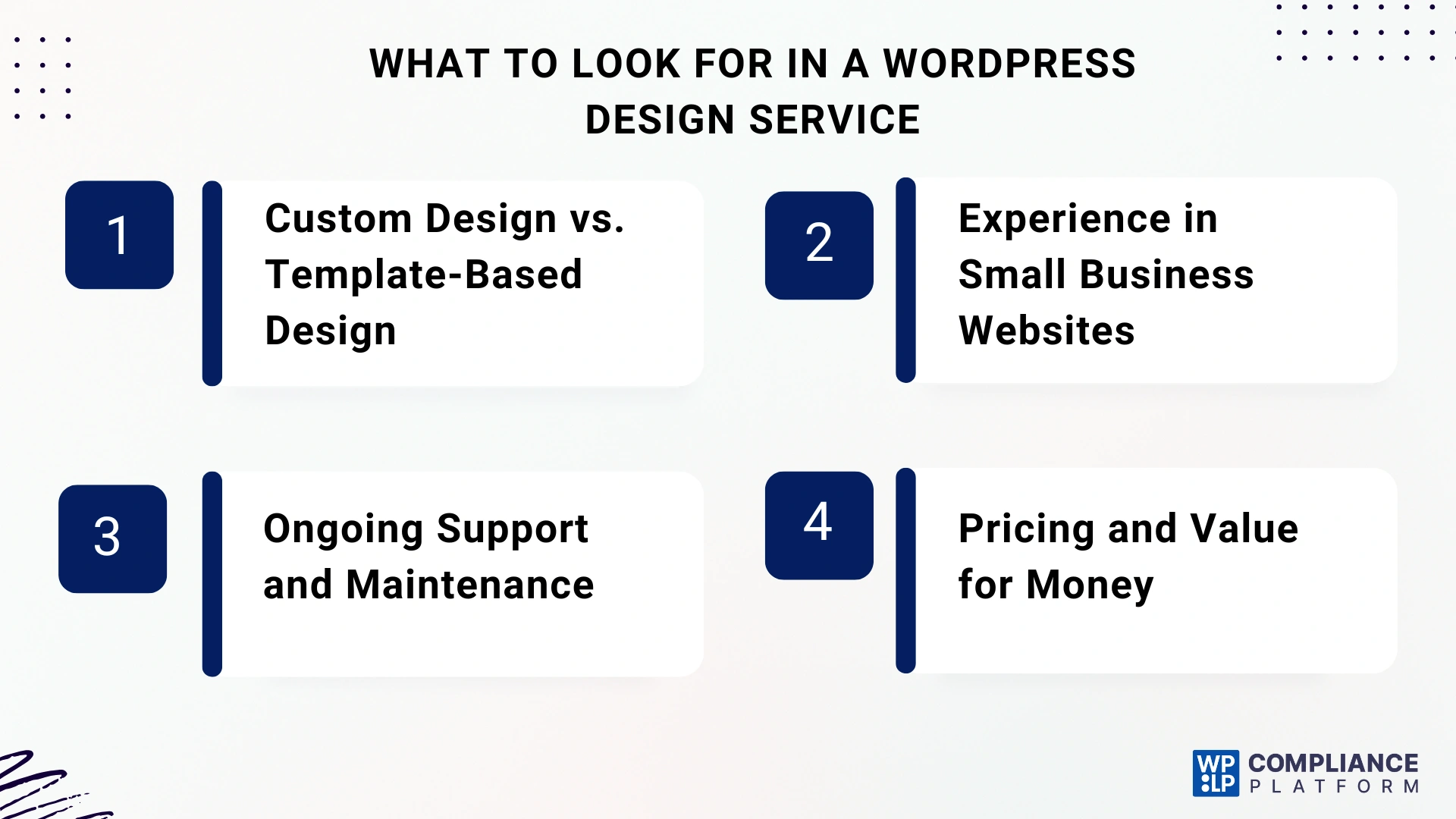
- Custom Design vs. Template-Based Design: Though template-based designs may be inexpensive, a custom build from scratch will ensure a website that is truly unique to your business and aligned to your specific goals. A good service should be able to create designs in both styles.
- Experience in Small Business Websites: Look for a service with a portfolio of websites they’ve built for businesses in your industry. This indicates they understand your target audience and the specific features you need.
- Ongoing Support and Maintenance: The launch of your site is only the beginning. A good service will also provide support post-launch and may include elements like security updates, performance monitoring, and troubleshooting.
- Pricing and Value for Money: Do not just select the lowest price. A reputable service will provide a full breakdown of costs and demonstrate the value they can provide, including technical know-how as well as strategic insight.
How Professional WordPress Design Services Add Extra Value
A professional WordPress design service goes beyond simply building a website; it creates a powerful business tool.
- Tailored Solutions for Your Industry: An experienced designer knows how to create a website that fits your business and industry needs. They can integrate the right tools, be it an online booking system for a service-based business or a portfolio for a creative agency, to meet your goals.
- Built-in Optimization and Security: Professionals build websites with speed, security, and SEO in mind from day one. They implement best practices like clean code, security plugins, and SSL certificates to protect your site, and it ensures that it ranks on search engines.
- Better Long-Term ROI: A professionally designed website is a wise investment. It helps you get more leads, turn visitors into customers, and build customers’ trust in your brand, all of which bring better results over time.
Cost of WordPress Website Design for Small Businesses
The cost of making your website can vary. It totally depends on which path you have chosen.
DIY Cost Breakdown
Creating a website on your own is not free. You will need to pay ongoing expenses for a domain name (about $10-$20 a year) and for web hosting (about $3-$20 a month) and possibly for a premium theme (the cost for these is typically between $50-$150) and paid plugins (these are usually $20-$100+ per year for each plugin) that add capabilities such as SEO, security, or forms. At this level, a DIY website can easily cost you anywhere from a couple of hundred dollars to thousands of dollars.
Professional Design Cost Breakdown
Although employing a professional involves an upfront cost, it may be the wise way to go long-term, with the potential for a more expensive, yet more intelligent choice. Overall costs are driven by site complexity, the features that need to be executed, and potentially the talent/experience of the designer.
A professionally designed small business website that is basic in scope may cost in the range of anywhere from $300 to $1,000, while mid-range, more complicated, or custom website builds will typically start at $3,000 and go up from there.
How to Budget Smartly
When planning your budget, think of your website as a long-term investment. It’s not just a one-time cost. Along with the initial design, you’ll also have to pay expenses for maintenance, hosting, and marketing.
A professional service may help you design an accurate budget that incorporates both your near-term needs and long-term growth potential. Whereas if you are using the DIY method, then you can have control over your site. That makes it easy for you to analyse the downfall.
Tips to Maintain Your WordPress Website
Once your website is live, it is essential to work toward maintaining it and improving its performance.
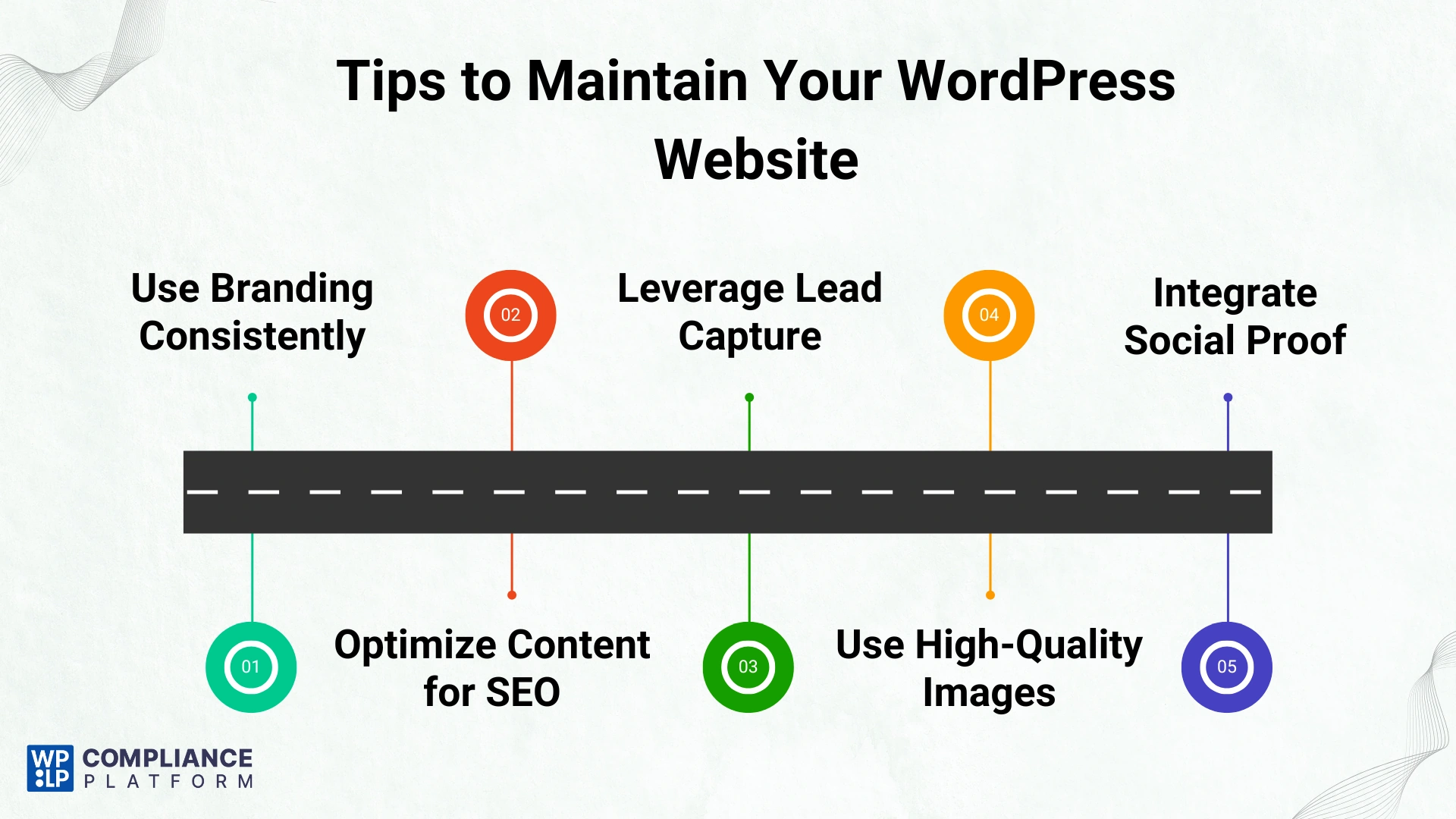
- Use Branding Consistently: Confirm that your logo, color palette, and fonts are applied uniformly on all the pages to create a unified brand experience.
- Optimize Content for SEO: Produce relevant content using high-quality writing, and think about the keywords you want potential customers or clients to be looking for. You can take advantage of applications to analyze content, such as Yoast SEO, which is free and easy to use.
- Leverage Lead Capture (Forms, CTAs, Newsletters): Use clear and direct calls to action or CTA’s so you can direct readers to your business goals. It can be anything, like you want them to navigate to your contact form, sign up for the newsletter, or buy anything.
- Use High-Quality Images: Use the best pictures. Avoid the blurry kind or generic stock photos. Quality images help give credibility to your site.
- Integrate Social Proof: Including testimonials from clients, reviews from clients, or trust badges will help show a confidence rate to viewers.
Conclusion
For small businesses, an attractive WordPress site may be the difference between being ignored and standing out. Although you may choose to DIY a website, you’ll likely face limitations that keep you from growing your business.
Professional WordPress design services can provide tailored solutions that are reliable and growth-focused, and save you time while generating better results.
If you want to establish a credible online presence, hiring a professional to design your site is one of the best investments your business can make.
Leave a Reply